
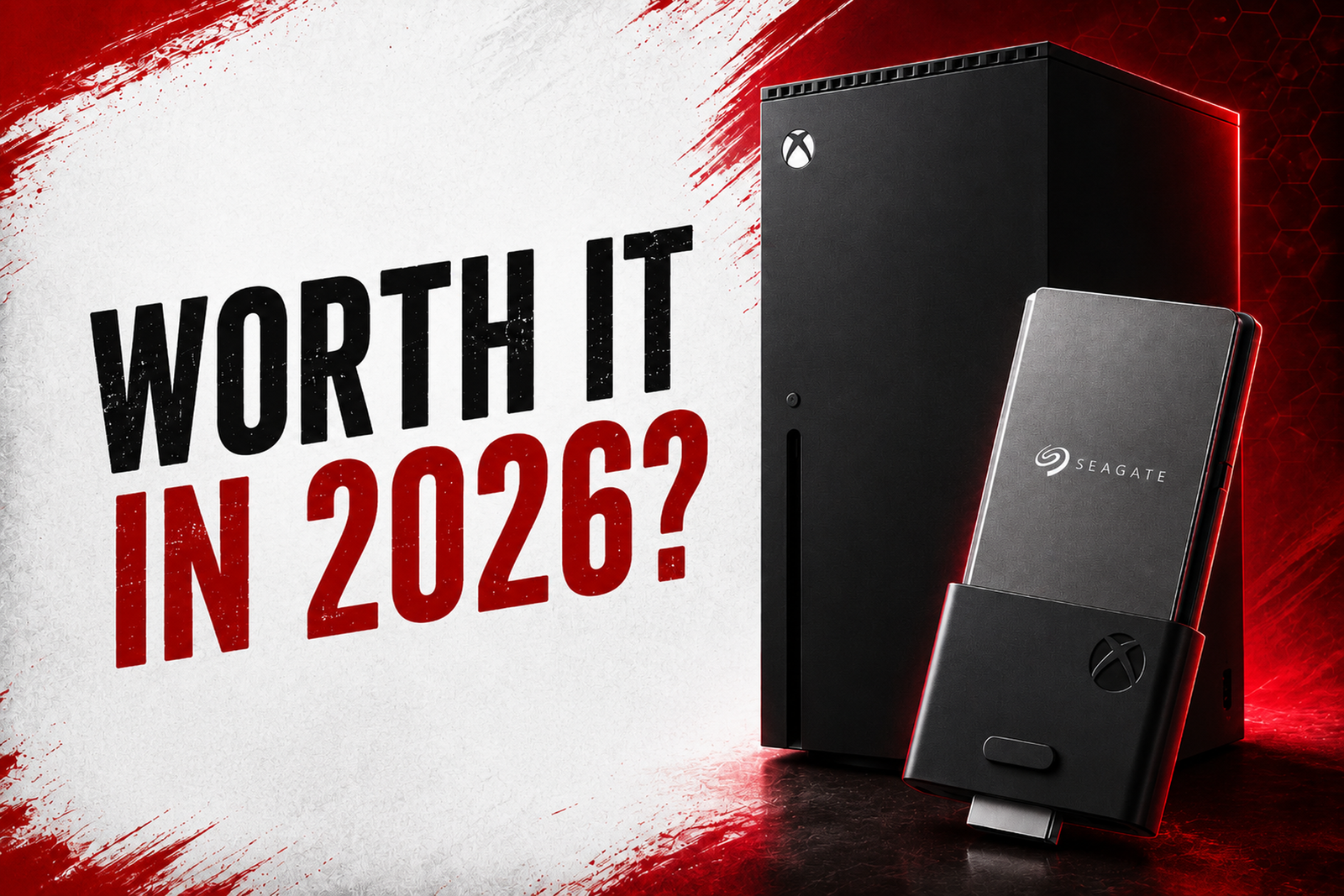
If your Xbox keeps telling you there’s no room left for the next big release, you’re not alone. That’s exactly why seagate storage expansion cards for Xbox series x were created. As Microsoft’s official storage upgrade, they give you extra space without sacrificing performance, letting you install and play Xbox Series X|S games just like you would from the console’s internal SSD. Since their launch in 2020, game sizes, pricing, and competing storage options have all changed, making it worth taking a fresh look before you buy.
Below is a straight breakdown of what the card does, what it costs right now, and whether it’s still the right buy this year.
What Is the Seagate Storage Expansion Card?
If you’ve ever had to delete one of your favorite Xbox games just to make room for a new one, the Seagate Storage Expansion Card is designed to solve that problem.
It’s an official storage upgrade made specifically for the Xbox Series X and Xbox Series S. It adds more storage by plugging into the dedicated Storage Expansion slot on the back of your Xbox console. Installation takes only a few seconds, and there’s no need to open the console or deal with cables.
The Seagate Storage Expansion Card is available in 512GB, 1TB, 2TB, and 4TB options, giving players the flexibility to choose the amount of extra storage that fits their gaming library. Whether you keep a few favorite titles installed or download dozens of Game Pass games, it expands your console’s storage while preserving the same seamless gaming experience.
Is It Worth Buying in 2026?
Yes, especially if you regularly play large games or use Xbox Game Pass.
Modern games are taking up more space than ever, and it’s surprisingly easy to run out of storage after installing just a handful of AAA titles. Constantly deleting games to make room for new ones can quickly become frustrating, especially when some downloads take hours to reinstall.
The biggest advantage of the Seagate Storage Expansion Card is convenience. It gives you extra storage without changing the way you play. You can install and launch Xbox Series X|S games directly from the card, enjoy the same fast loading times as the internal SSD, and keep features like Quick Resume working as expected.
The only downside is the price. Compared with a regular external SSD, the Seagate Expansion Card costs more because it’s officially licensed by Microsoft and built specifically for the Xbox’s high speed storage system. In 2026, storage prices also remain higher than they were a few years ago, making the card a significant investment.
Do You Really Need One?
That depends on how many games you actually keep installed at once, but the math is worth doing before you decide. A Series X ships with a 1TB drive, but only about 802GB of that is usable after the operating system and reserved system files take their cut. A Series S is tighter still, its 512GB drive leaves roughly 364GB free.
Modern releases eat into that fast. So, Starfield runs close to 140GB installed, Forza Motorsport sits around 100GB, and plenty of live service and open world titles land in a similar range.
If you rotate between two or three big games, you already know the cycle, delete one to install another, wait through a multi hour download, repeat a week later. That’s the real cost of skipping an expansion card: not a missing feature, but hours spent re downloading files you already paid for and already had installed once. If you’re someone who plays one game at a time and rarely touches anything else, you can probably get by on internal storage alone.
Can You Play Xbox Series X Games Directly from It?
Yes, and this is the entire reason the card exists instead of Microsoft just recommending a cheap USB drive. Games optimized for Xbox Series X|S rely on the Velocity Architecture’s hardware decompression block to hit their load time and streaming targets, and that pipeline only works with storage that speaks the same protocol as the internal SSD.
A regular USB external drive can store Series X|S optimized games, but the console won’t let you launch them from it, you’d have to copy them back to internal storage first. The expansion card skips that step entirely: games launch, Quick Resume works, and frame pacing behaves exactly as if the game were installed internally, because functionally, it is.
Is It Faster Than an External SSD?
Not necessarily in raw throughput, a good USB4 or Thunderbolt external SSD can post similar or even higher sequential read numbers than the card’s roughly 2.4GB/s. The real gap isn’t speed on paper, it’s what the console lets each device do. An external SSD over USB is treated as a storage bucket. So, you can archive Series X|S games there, but you have to move them back to internal or expansion storage before you can play them, which means a second wait on top of the original download.
The expansion card is treated as an extension of the internal drive, so there’s no transfer step, no compatibility check, and no drop in Quick Resume behavior. For pure file storage and backups, a USB SSD is fine and considerably cheaper per gigabyte. For anything you actually want to play, the expansion card is the only route that skips the extra copy.
Seagate vs WD_BLACK C50
Both cards use the same Microsoft controlled interface and the same underlying architecture, so benchmarked performance between them is essentially identical, load times, Quick Resume, and transfer speeds don’t meaningfully differ. The real differences are capacity range and price:
- Capacity: Seagate covers 512GB, 1TB, 2TB, and 4TB. WD_BLACK C50 stops at 2TB, if you need 4TB, Seagate is currently the only certified option.
- Price: WD_BLACK C50 has consistently undercut Seagate by roughly $10 to 25 at equivalent capacities across 2026’s sale cycles, and its 1TB model has occasionally dropped below $130 during promotions.
- Track record: Seagate has been on the market since the consoles launched in November 2020, with a large review base (close to 30,000 ratings averaging around 4.8 stars on major retailers). WD_BLACK entered later, in 2023, and has a shorter but solid history.
If your capacity needs top out at 2TB, WD_BLACK C50 is usually the better value when it’s on sale. If you want 4TB or prefer the longer established brand, Seagate remains the pick.
Which Capacity Should You Buy?
Match the size to how you actually play, not to what feels safest.
- 512GB: Fine as a secondary card for backward compatible Xbox One, Xbox 360, and Original Xbox titles, or if you only ever keep one modern game installed alongside what’s already on the internal drive.
- 1TB: The sweet spot for most players and the best selling size across both brands. It roughly doubles your effective Series X storage and covers two to four modern titles comfortably.
- 2TB: Worth it if you keep a rotating backlog of five or more games installed, or if you’re on a Series S and want to stop feeling the 364GB ceiling entirely.
- 4TB: Really only makes sense for households sharing one console across multiple people’s libraries, or players who install everything and rarely uninstall anything.
Why Is It So Expensive?
If you’ve compared the Seagate Storage Expansion Card with a regular external SSD, you’ve probably noticed the price difference right away. That’s because this isn’t just another storage drive.
Unlike standard SSDs, the Seagate Expansion Card is built specifically for the Xbox Series X and Series S. It’s officially licensed by Microsoft and designed to work with the console’s high speed storage system, allowing you to play Xbox Series X|S games directly from the card without losing performance. That specialized design makes it more expensive to produce than a typical USB SSD.
Another reason is the overall storage market. SSD prices have increased in recent years due to higher memory costs and ongoing supply challenges, and the Expansion Card has been affected as well. Since only a small number of companies make officially compatible cards, there isn’t as much price competition as you see with regular PC SSDs.
While the upfront cost may seem high, many Xbox players consider it worthwhile because it delivers the same speed and gaming experience as the console’s built in storage. If your library is constantly growing, it can save you from repeatedly deleting and reinstalling games.
Does It Work with Xbox Series S?
Yes ofcourse, the Series S has an identical STORAGE EXPANSION port in the same location on the rear panel, and every capacity of both the Seagate and WD_BLACK cards works exactly the same way on it as on the Series X. Arguably, the card matters more on Series S because with only about 364GB usable out of the box, even a 1TB expansion card more than triples the console’s effective storage, which makes the upgrade feel less optional on the cheaper console than it does on the Series X.
Can You Move Games Instead of Reinstalling?
Definitely, and this is one of the most underused features on the console. Under Settings > System > Storage, you can select an installed game and choose “Move” to shift it between the internal drive and an expansion card without redownloading a single byte.
This is a local transfer, not a fresh download, so it takes minutes rather than the hours a 100GB+ reinstall would cost you and it doesn’t touch your monthly data cap if your ISP enforces one. The distinction matters: deleting a game and reinstalling it later pulls the full file again from Xbox’s servers, while moving it just relocates the existing data.
How to Install the Expansion Card
Installation takes about ten seconds and needs no tools. Follow the steps carefully:
- Power off the console (not strictly required, the port supports hot swapping while the Xbox is on. But powering down first avoids interrupting anything mid write).
- Locate the rectangular STORAGE EXPANSION port on the back panel, next to the HDMI output.
- Slide off the card’s protective sleeve.
- Align the card with the Xbox logo facing toward the USB and Ethernet ports, and push it in firmly until it clicks into place.
- Power the console on (or leave it on, if you didn’t shut down). Within a few seconds you’ll get an on screen notification confirming the card is ready.
No manual formatting is required on first insert, the card is preformatted and recognized automatically. If it isn’t detected, remove it, wait about 30 seconds, and reinsert with the logo oriented correctly before trying a restart. To remove a card safely later, do it from Settings rather than pulling it while a game stored on it is actively running, to avoid any risk of corrupting that game’s data.
Who Should Buy It and Who Should Skip It
Buy it if: you regularly rotate between three or more current gen games, you own a Series S and feel its 364GB limit constantly, multiple people share one console with separate libraries, or you’re tired of redownloading the same 100GB+ titles every few weeks.
Skip it if: you mainly play one always online live service game and rarely install anything else, you’re on a tight budget and could manage with careful use of the internal drive plus occasional uninstalls, or you’re willing to wait for the next major sale event rather than pay closer to list price during the current memory shortage.
Wrapping Up
The Seagate Storage Expansion Card is a smart upgrade for Xbox Series X and Series S players who need more storage without giving up speed or performance. Although it costs more than a regular external SSD, it offers the convenience of playing Xbox Series X|S games directly from the card while supporting features like Quick Resume. If your game library keeps growing, choosing the right capacity can save you time, reduce storage headaches, and keep your favorite games ready to play.