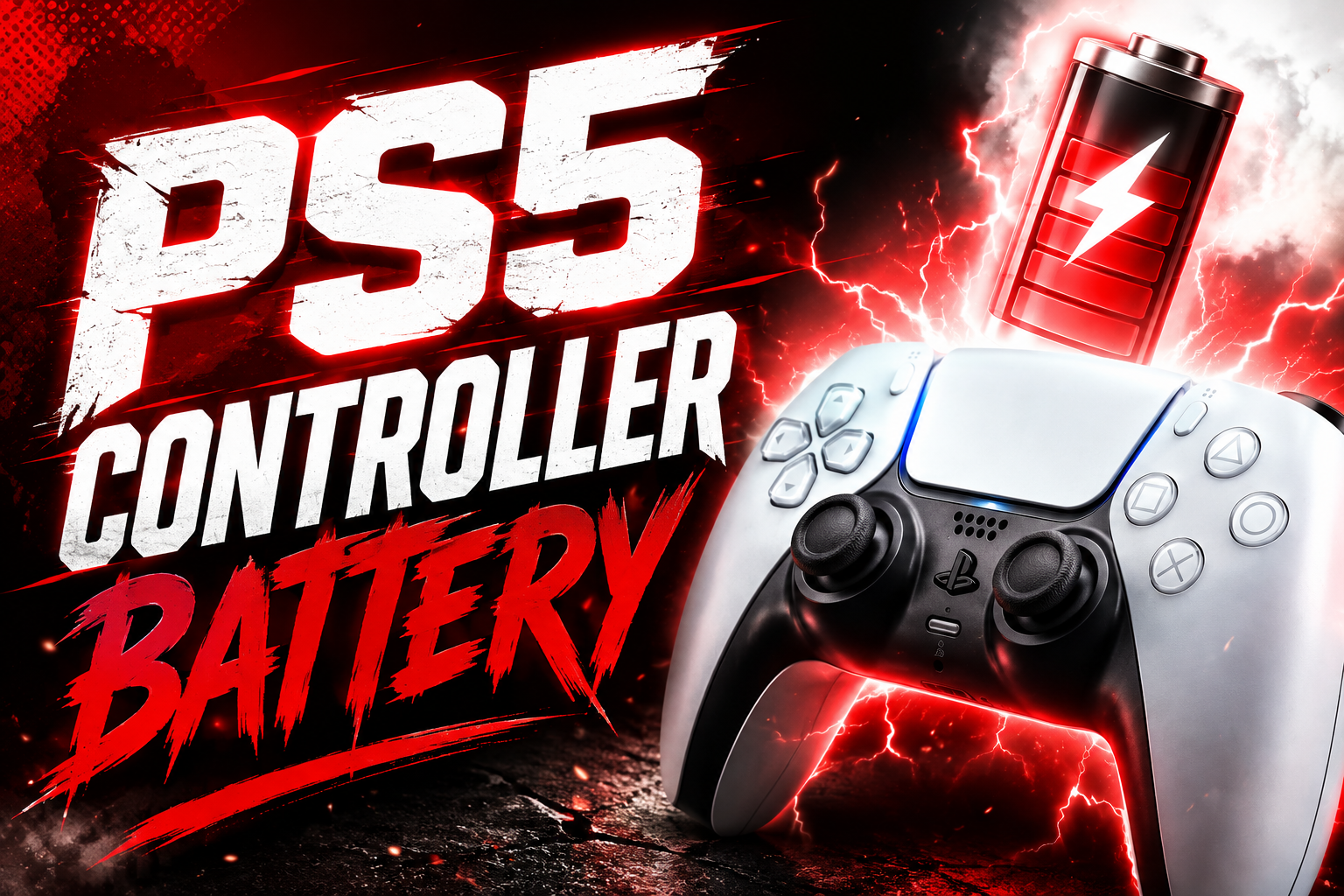
If you have ever been deep into a match and watched your screen flash a low battery warning at the worst possible moment, you already know why this question matters so much to PlayStation owners. How long does a PS5 controller battery last? is one of the most searched questions among PS5 owners, and for good reason.
The Quick Answer
A PlayStation 5 DualSense controller typically lasts between six and twelve hours on a single full charge. Most players see results closer to the six to eight hour range during normal, everyday gaming.
There are also two versions of the standard DualSense in circulation. The original model, released alongside the console, tends to sit on the lower end of that range. A newer revision, which includes a larger internal battery, performs noticeably better and can approach that twelve hour mark more consistently.
If you own the DualSense Edge, the premium controller aimed at competitive players, expect shorter runtime overall, usually somewhere around six to seven hours. That might seem surprising given the higher price tag, but there is a clear technical reason behind it, which we will explain later in this guide.
What’s Inside a Controller and How It Works
To understand battery life, it helps to know what the DualSense is actually doing with its power. Unlike older PlayStation controllers, the DualSense is not just a set of buttons and sticks with a battery attached. It is closer to a small piece of gaming hardware in its own right.
Inside the controller sits a built in, non removable lithium ion battery, similar in nature to the battery inside your smartphone. The original version uses roughly a 1,560 mAh cell, which is a meaningful upgrade over the 800 to 1,000 mAh batteries found in the previous generation DualShock 4 controller.
Note: Haptic feedback is one of the biggest battery drains. The DualSense uses precise motors to recreate detailed sensations like raindrops or gunfire, and that constant fine tuned movement uses far more power than the simple rumble in older controllers.
Why Does the Battery Drain So Fast?
The DualSense is essentially doing more work per second than any PlayStation controller before it, and every one of those extra features draws power from the same small battery.
Adaptive triggers are another major factor. The resistance you feel when pulling a bowstring or pressing a brake pedal in a racing game comes from small motors built directly into the L2 and R2 triggers. Every bit of that resistance costs battery power, and games that lean heavily on this feature will noticeably shorten your session length.
The built in microphone and speaker also play a role. If you are chatting with friends directly through the controller instead of a headset, or playing a game that routes sound effects through the controller’s tiny speaker, that is additional continuous power draw on top of everything else.
Then there is the light bar, the glowing strip around the touchpad. It looks great in photos and trailers, but for most games it serves no real gameplay purpose and simply sits there consuming power for the entire time the controller is on.
How to Make Your PS5 Controller Battery Last Longer
Start by lowering vibration intensity, or turning it off completely, through the accessories section of your PS5 settings. This alone can meaningfully extend your play sessions, especially in games that use haptics aggressively. Dimming or disabling the light bar is another easy win. It has no impact on gameplay for the vast majority of titles, and switching it off removes one more constant drain on the battery.
If you regularly use the controller’s built in microphone or speaker, consider switching to a headset instead when you can. It is a small change that adds up over long sessions. Playing in wired mode is one of the most effective habits you can build, particularly during marathon gaming sessions. Plugging in with a USB Type C cable both charges the controller and takes the wireless power draw out of the equation entirely.
Temperature matters more than most players realize. Leaving your controller in a hot car, near a sunny window, or anywhere that gets uncomfortably warm will accelerate long term battery wear, so keeping it at a normal room temperature helps preserve its overall lifespan, not just a single charge.
It also helps to avoid letting the battery repeatedly hit zero and sit dead for extended periods. Lithium ion batteries generally handle regular partial charges better than deep, prolonged drains, so charging after most sessions rather than waiting until it dies is a healthier long term habit.
Remember: None of these tips will magically double your battery life on their own, but layered together, they make a genuine, noticeable difference in how often you need to reach for a charging cable.
How to Check Your Battery Level
From your PS5, simply press the PS button on your controller to bring up the Control Center. In the top right corner, you will see a small controller icon along with a row of battery bars indicating roughly how much charge remains.
For a slightly more detailed view, head into Settings, then Accessories, then General, where the same indicator appears alongside additional connection details, including whether the controller is currently charging.
Each bar generally represents a rough estimate of about two hours of remaining playtime, which is usually enough information for everyday gaming decisions. If you want an exact number, such as a precise percentage rather than a general estimate, you would need to connect the controller to a computer using dedicated software, though for most players, the on screen bars are more than sufficient for day to day use.
It is also worth mentioning that a controller which appears to drain unusually fast is not always a battery problem. Sometimes it comes down to a weak or unstable pairing. If you are setting up a new controller, or reconnecting one after a firmware update, brushing up on how to connect PS5 controller properly, whether through USB or Bluetooth, is a good habit, since a shaky wireless connection can burn through charge far faster than normal use and make a perfectly healthy battery seem like it is failing.
Good Charging Habits
How you charge your controller on a regular basis has a real impact on both short term performance and long term battery health. Try to charge after most sessions rather than letting the battery run all the way to empty every single time. Lithium ion batteries, the same technology used in phones and laptops, tend to respond better to frequent partial charges than to constant deep drains.
Stick to the original charging cable that came with your console, or a properly certified USB Type C cable. Cheap, uncertified cables can charge inconsistently, more slowly, or in some cases not at all. Charging directly from a wall adapter or your console is generally more reliable than charging through an older laptop USB port, which may not supply enough consistent power.
Avoid letting the controller sit completely drained for long stretches of time. If you know you will not be playing for a while, it is better to leave it with some charge remaining rather than at zero percent.
Heat is one of the fastest ways to wear down any lithium ion battery, so avoid charging in direct sunlight or particularly warm rooms whenever possible.
If you own more than one controller, investing in a proper charging dock is worthwhile. It charges both controllers evenly and removes the hassle of juggling loose cables every time you finish a session.
Do’s and Don’ts
Here is a simple summary you can glance at whenever you need a quick reminder.
Things worth doing:
- Lower vibration and light bar intensity to conserve battery
- Charge using the original or a certified USB Type C cable
- Play in wired mode during longer sessions when possible
- Keep your controller at a normal room temperature
- Charge after most sessions instead of waiting for a full drain
Things worth avoiding:
- Leaving the controller in a hot car or in direct sunlight
- Panicking over a slow, steady pulsing orange light, since that is completely normal
- Letting the battery sit fully drained for weeks at a time
- Ignoring a rapid, erratic blinking orange light, since that one can indicate a real issue
- Expecting the maximum twelve hour figure with every feature turned up to full
The Hidden Stuff Most People Don’t Know
Everything above covers the everyday essentials, but there are a few deeper, less talked about details that explain a lot of the confusion and frustration players run into over time.
Your battery is quietly aging every time you charge it
The DualSense uses a lithium ion battery, the same underlying technology found in smartphones and laptops, and like every lithium ion battery, it naturally loses capacity the more it is charged and discharged. This is simply chemistry at work, not a manufacturing flaw.
Generally speaking, after roughly three hundred to five hundred full charge cycles, a lithium ion battery retains somewhere around eighty percent of its original capacity. Push that further, into the eight hundred to one thousand cycle range, and capacity can drop to sixty or seventy percent of what it once was.
For a controller used daily, that kind of wear typically becomes noticeable somewhere around the one to two year mark. So if your once reliable eight hour controller now struggles to make it past ninety minutes, the most likely explanation is not a defect, but simply a battery that has reached the natural end of its useful lifespan.
The orange light isn’t a warning sign
Many players understandably panic the first time they see their controller’s light pulsing orange while it is plugged in. In reality, this is completely normal and simply indicates that charging is in progress. Unlike some devices, the DualSense does not have a distinct green light to signal a full charge. Instead, the light simply turns off once charging is complete.
There is one exception worth knowing. A rapid, erratic blinking pattern, as opposed to the slow, steady pulse of normal charging, can indicate an actual issue, such as a loose internal connection or a failing cable, and is worth investigating further if you notice it.
The DualSense Edge has a smaller battery than the regular controller
This tends to surprise a lot of players. Despite costing roughly double the price of a standard DualSense, the Edge controller actually houses a smaller battery, at around 1,050 mAh compared to the standard controller’s 1,560 mAh cell. This was a deliberate design tradeoff on the manufacturer’s part, made in order to fit in the Edge’s additional hardware, including swappable stick modules and customizable back buttons.
So if you upgraded to the Edge expecting improved battery performance simply because of its premium price point, that expectation does not match reality, and it is worth knowing this going in rather than being caught off guard later.
Leaving it on the charger overnight is fine
A common worry among players is that leaving the controller docked or plugged in overnight will damage the battery over time. In practice, the DualSense includes built in protection circuitry that stops charging once the battery reaches one hundred percent, so an occasional overnight charge will not cause any sudden harm.
That said, consistently leaving any lithium ion battery sitting at a full one hundred percent charge for very long stretches, particularly in a warm environment, can contribute slightly to gradual long term wear. This is not something to be anxious about on a daily basis, but it is a small detail worth being aware of if you are trying to maximize your controller’s lifespan over the course of several years.
Quick Reminder
This is also a good moment for a timely reminder. With the September PlayStation Plus Games Removal coming up in a few weeks, a handful of titles are set to leave the service, including a well known tactical RPG and a major sports title. If you have been meaning to finish one of those games, it is worth making sure your controller is fully charged ahead of time so a dead battery does not eat into the little time you have left with them.
Conclusion
A PS5 controller lasting somewhere between six and eight hours under normal conditions is entirely typical, not a sign that something is wrong with your unit. The battery drain you experience comes directly from genuinely useful features like haptic feedback, adaptive triggers, and the built in microphone, rather than poor engineering.
With a few thoughtful adjustments to your settings and charging habits, you can meaningfully stretch how long your controller lasts between charges, and if you have noticed your controller feels weaker than it used to, that is very likely natural battery aging rather than a defect. Understanding how your DualSense actually works behind the scenes makes it far easier to get the most out of it, session after session, for years to come.