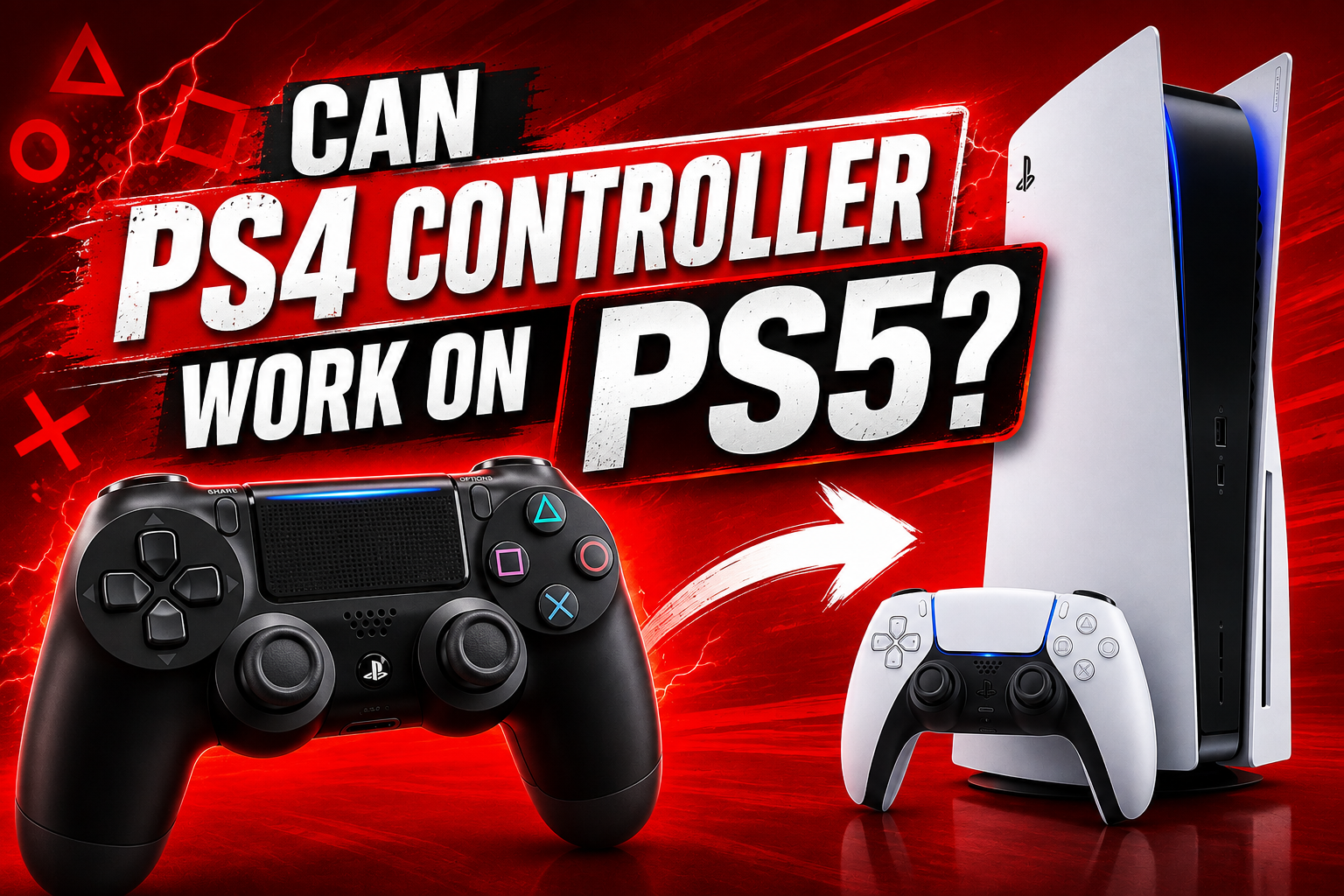
Moving from PS4 to PS5 does not mean your old controller suddenly becomes useless. The answer to can PS4 controller work on PS5 is yes but there is one important condition that often causes confusion. A DualShock 4 can be used with supported PS4 games on PS5. It cannot be used as the main controller for native PS5 games. Sony has kept this distinction clear because PS5 games are built around the features of the DualSense controller.
That does not mean you need to throw your old DualShock 4 into a drawer. It can still be useful for backward compatible games local multiplayer supported PS VR experiences and Remote Play. The real trick is understanding which situations support it and which do not.
Want to know how many days until GTA 6 comes out?
Can You Use a PS4 Controller on PS5
Yes you can connect a DualShock 4 to a PS5 and use it in supported situations. The most important example is playing PS4 games on your PS5. Sony supports DualShock 4 for compatible PS4 games that run through backward compatibility.
This is useful for people who already own several PS4 games and do not want to buy another controller simply because they upgraded their console. Your old controller can continue doing its job when you are playing supported PS4 titles.
The confusion usually starts when a player launches a native PS5 game and expects the same controller to work. That is where the restriction appears. PS5 games require a DualSense controller. Connecting a DualShock 4 correctly does not change that rule.
The PS4 Game vs PS5 Game Difference That Changes Everything
This is the detail that explains most DualShock 4 compatibility questions. A PS5 can run PS4 games through backward compatibility. When the console is running the PS4 version of a game the DualShock 4 can be used when that game is supported.
The situation changes when you launch the native PS5 version of that same game. Even if the game has a PS4 version that works perfectly with your old controller the PS5 version is designed for DualSense. This becomes especially important with games that offer both versions. You may see what appears to be the same title in your library but the version you launch can determine which controller you need. A player may think the controller has stopped working when the real issue is simply that the PS5 version of the game has been selected.
Before buying a new controller or assuming there is a fault it is worth checking which version of the game is installed and running. That one check can save a lot of unnecessary troubleshooting.
Which PS5 Games Reject a DualShock 4
Native PS5 games are where DualShock 4 support stops. Sony requires DualSense for PS5 games. This means that even if your DualShock 4 is connected to the console and works perfectly in a PS4 game it will not become a supported controller for a native PS5 game.
Using a USB cable does not get around the restriction. The cable can help with pairing and connection problems but it does not change what the game supports. This is important because there are plenty of guides online that make the situation sound like a simple Bluetooth issue. It is not. When a PS4 controller works in one game and refuses to work in another the difference is often the game version rather than the controller.
The simplest rule is easy to remember. PS4 game on PS5 means DualShock 4 can work when supported. Native PS5 game means DualSense is required.
How to Connect a PS4 Controller to PS5
The easiest method is to connect the controller to the console with a compatible USB cable. Turn on the PS5 and press the PS button on the DualShock 4. The console should recognise the controller and pair it with the system.
Once the controller has been paired you can disconnect the cable and use the controller wirelessly when the game and situation support it. If you prefer wireless pairing you can put the DualShock 4 into pairing mode by holding the Share button together with the PS button. The light bar should begin flashing. You can then select the controller through the PS5 Bluetooth accessories settings.
A proper data capable USB cable is worth using during the first connection. Some cables can charge a controller without handling data properly. That can make the controller appear faulty when the real problem is simply the cable.
Can DualShock 4 Handle Local Multiplayer on PS5
Yes it can when you are playing supported PS4 games. This is one of the situations where keeping old PS4 controllers can make a lot of sense. If you have friends or family members who join you for local multiplayer then your existing DualShock 4 controllers can still be useful with compatible PS4 games running on PS5.
Sony allows multiple controllers to be connected to the PS5. The exact number of players still depends on the game itself. The important part is that connecting several DualShock 4 controllers does not make them compatible with native PS5 games. The controller rule is still determined by the game version.
For a household that upgraded from PS4 to PS5 this can save money. You may already have several working controllers that are perfectly suitable for older games.
What Happens to Haptics and Adaptive Triggers
The biggest feature difference between DualShock 4 and DualSense is the hardware inside the controllers. DualSense was created for the PS5 generation and includes adaptive triggers and advanced haptic feedback. These features can change how actions feel during gameplay. Trigger resistance can vary depending on what is happening in the game while haptic feedback can provide more detailed physical feedback than the traditional vibration found on DualShock 4.
DualShock 4 does not have those same features. That means you should not expect your old controller to reproduce the full DualSense experience. Even when you are using it successfully with a supported game it remains a DualShock 4 with its original hardware.
This is one of the reasons Sony does not treat DualShock 4 as a universal PS5 controller. Many native PS5 games are designed with DualSense features in mind. For someone mainly playing PS4 games this may not matter much. For someone focused on new PS5 titles it can make a noticeable difference.
Does a PS4 Controller Still Work for PS VR on PS5
This is an area where keeping your DualShock 4 is especially useful. Sony recommends the DualShock 4 for the best experience with PS VR on PS5. Some PS VR games can also require additional accessories such as PlayStation Move controllers depending on the type of gameplay.
This means your old controller can continue to have a proper role even after moving to the newer console. There is also an important distinction between PS VR and PS VR2. They are different generations of virtual reality hardware and they do not use the same setup. A player who still uses the original PS VR should not assume that all PS5 accessories and cameras work with it.
For people who already own the original PS VR setup the DualShock 4 remains a useful controller to keep rather than something that should immediately be replaced.
Can You Use a PS4 Controller With PS5 Through Remote Play
Remote Play gives the DualShock 4 another useful option. Sony supports DualShock 4 with PS Remote Play on supported devices. This allows players to access their PlayStation experience through a compatible phone computer or other supported device while using a supported controller.
This is slightly different from playing a native PS5 game directly on the console with a DualShock 4. The controller is being used through the Remote Play setup rather than being accepted by the native PS5 game as a directly supported controller. That difference is important because many people hear that DualShock 4 works with Remote Play and assume it means the controller is fully supported for native PS5 games on the console.
It does not. Remote Play simply gives your old controller another practical use. If you already own a DualShock 4 and use Remote Play regularly then there is even less reason to get rid of it.
What About Officially Licensed Third Party PS4 Controllers
The same basic compatibility idea applies to officially licensed third party PS4 controllers. Sony supports officially licensed third party gamepads with supported PS4 games on PS5. That means a compatible third party controller can still be useful after upgrading your console.
The important word is supported. You should never assume that every controller sold for PS4 will automatically work everywhere on PS5. Different manufacturers use different hardware and some products have their own compatibility conditions.
This is especially important when buying a replacement controller from another brand. Check the current compatibility information from the manufacturer and make sure the controller is intended for the games you want to play. An officially licensed PS4 controller should still be viewed as a PS4 compatible controller on PS5 rather than a replacement for DualSense in native PS5 games.
What to Do When Your PS4 Controller Is Not Working on PS5
When a DualShock 4 does not work on PS5 the first thing to check is not the controller. Check the game. Make sure you are running the PS4 version of the game. If you are launching the native PS5 version then the controller restriction is expected.
If you are playing a supported PS4 game then try connecting the controller with a USB cable. Press the PS button and allow the console to recognise it. Check that the controller has enough charge. A weak battery can create connection problems that look like compatibility issues.
It is also worth trying another USB cable if the controller is not being recognised. Some cables are designed mainly for charging and may not provide the data connection needed for proper pairing. If the controller was previously connected to another console or device then pairing it again with the PS5 can help.
Keeping the PS5 system software updated is also a sensible step when dealing with controller problems. The biggest troubleshooting mistake is assuming that every failure means the controller is broken. If the same DualShock 4 works with a supported PS4 game but not with a native PS5 game then the controller is probably behaving exactly as expected.
Should You Keep Your PS4 Controller or Buy a DualSense
For most players the best answer is to keep the DualShock 4 and use a DualSense when you need one. There is no reason to replace a perfectly good PS4 controller if you regularly play PS4 games on your PS5. It is also useful for supported PS VR experiences and Remote Play. A DualSense becomes more important when most of your gaming happens on native PS5 titles.
That is where the newer controller is designed to work and where features such as adaptive triggers and advanced haptics become relevant. If you already own a DualShock 4 then keeping it can also save you money. There is little point in buying another controller simply because you own a PS5 when your existing controller still serves a useful purpose. The better approach is to match the controller to the type of gaming you actually do.
Sony has consistently separated the controller requirements for PS4 and PS5 games. The official position is straightforward. DualShock 4 remains supported for compatible PS4 games on PS5 while native PS5 games require DualSense.
That approach makes sense from both a compatibility and hardware perspective. The DualShock 4 remains valuable for the older game library while DualSense provides the controller features built around the PS5 generation.
Final Words
The DualShock 4 is not useless on PS5 but it also is not a complete replacement for DualSense.
Its biggest strength is backward compatibility. You can continue using it with supported PS4 games on your PS5 and it can remain useful for original PS VR and Remote Play. That makes it a perfectly worthwhile controller to keep.
The limitation is native PS5 gaming. When you launch a PS5 version of a game you need a DualSense controller. Using a USB cable will not remove that limitation and there is no official setting that turns DualShock 4 into a full PS5 controller.
The easiest way to remember the whole situation is simple. Your PS4 controller still has a place on PS5 but the type of game you are playing decides whether that place is available.
For anyone upgrading from PS4 this means one thing above all else. Do not throw away your DualShock 4 just because you bought a PS5. Keep it for the games and features where it still works while using DualSense for the native PS5 experience.